
AI room design · free
Free AI Room Design — Redesign Your Room from a Photo
No login. No credit card. Just upload a photo.
Free No login No credit card


See it before and after
AI-generated room examples, redesigned from a single reference image. Drag the handle to compare.
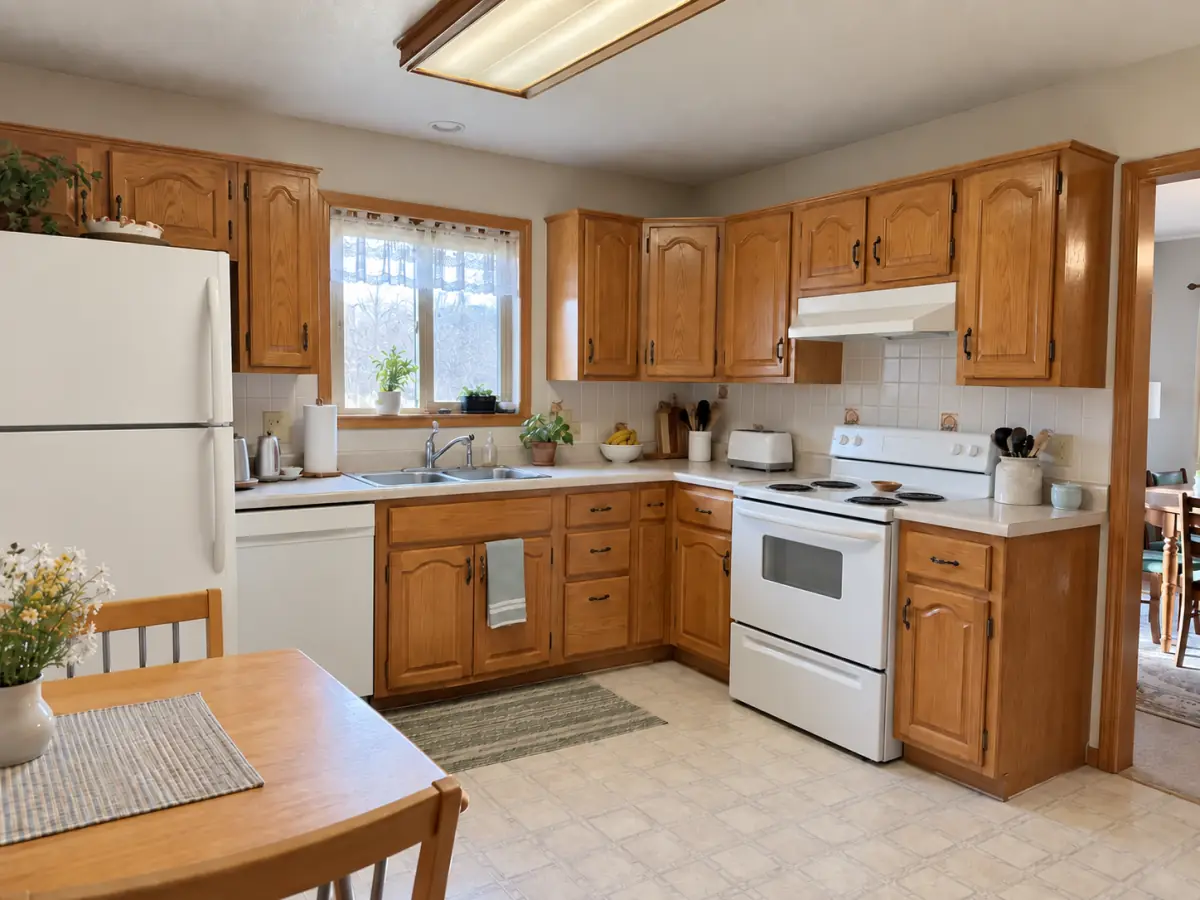
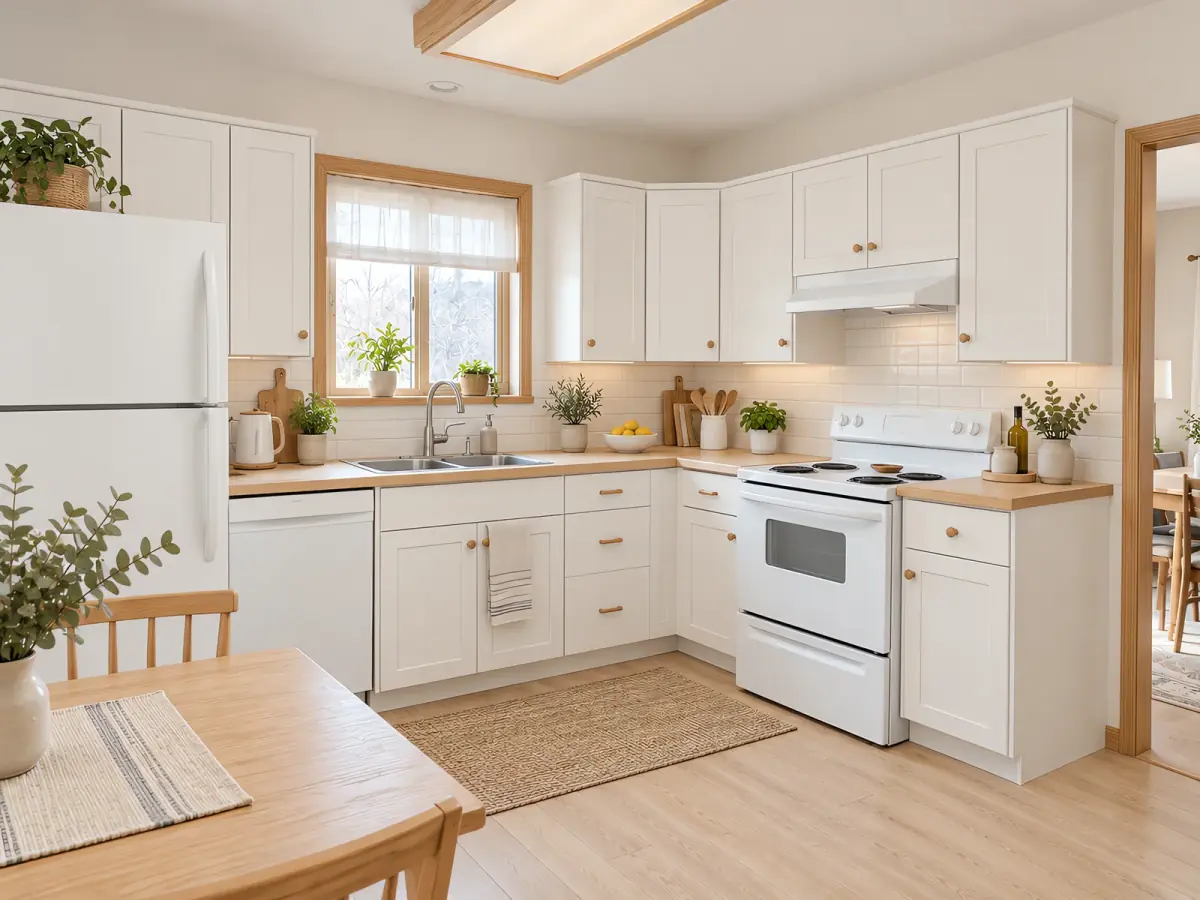
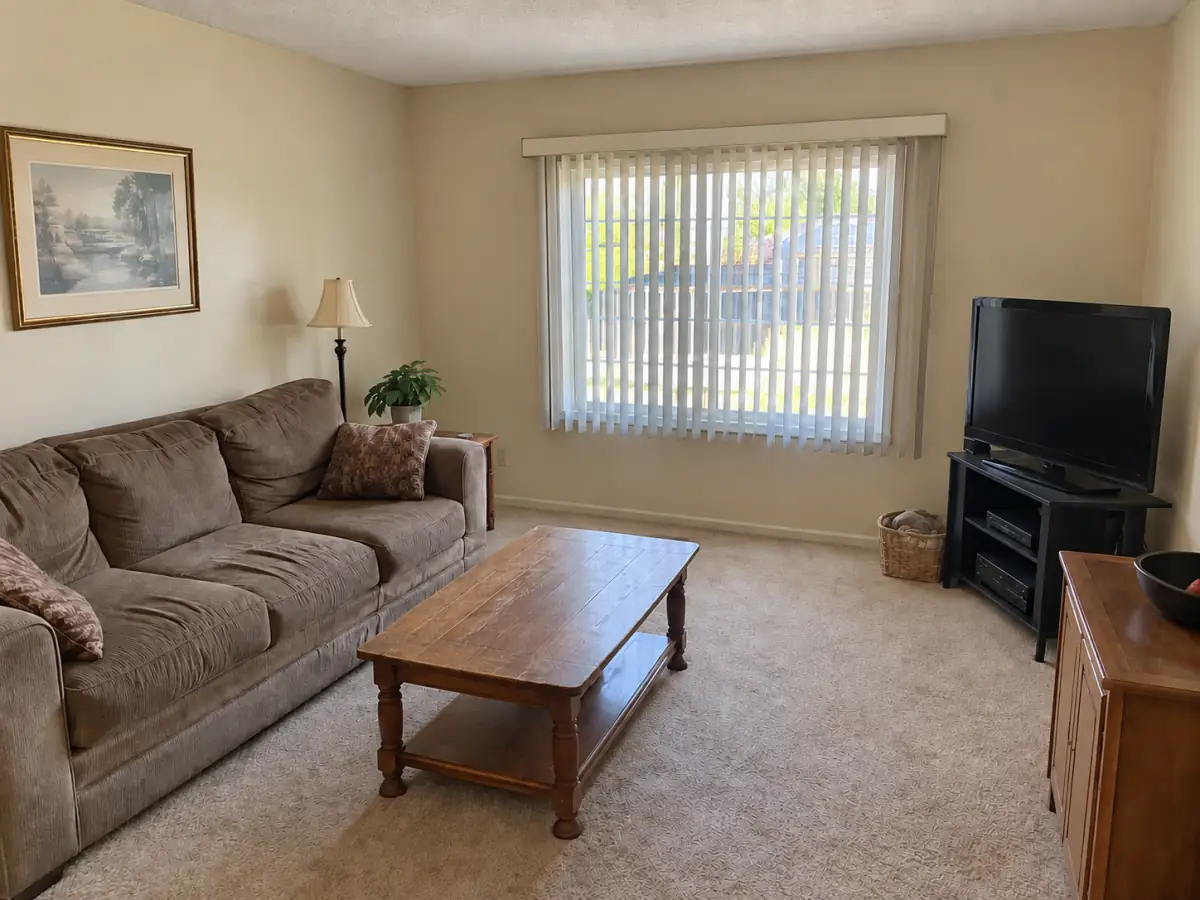
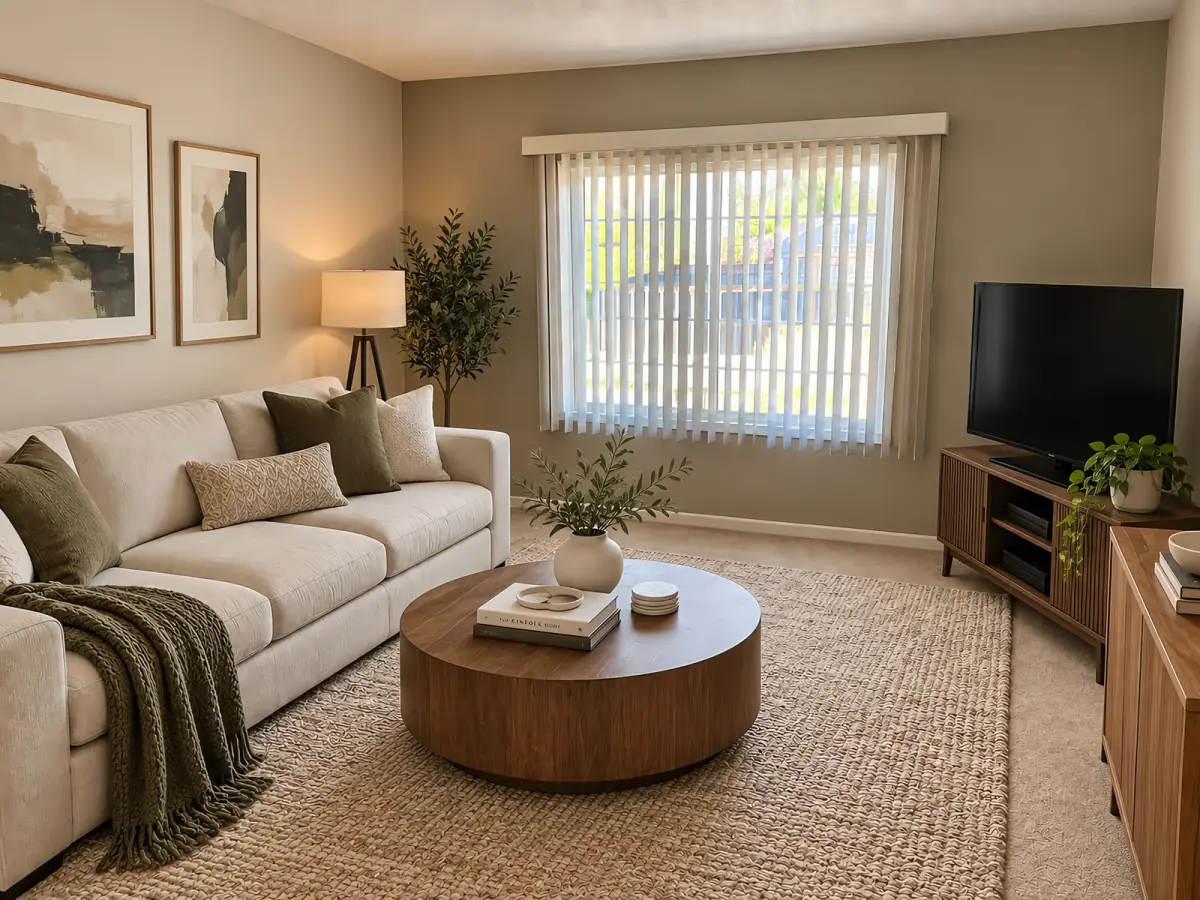
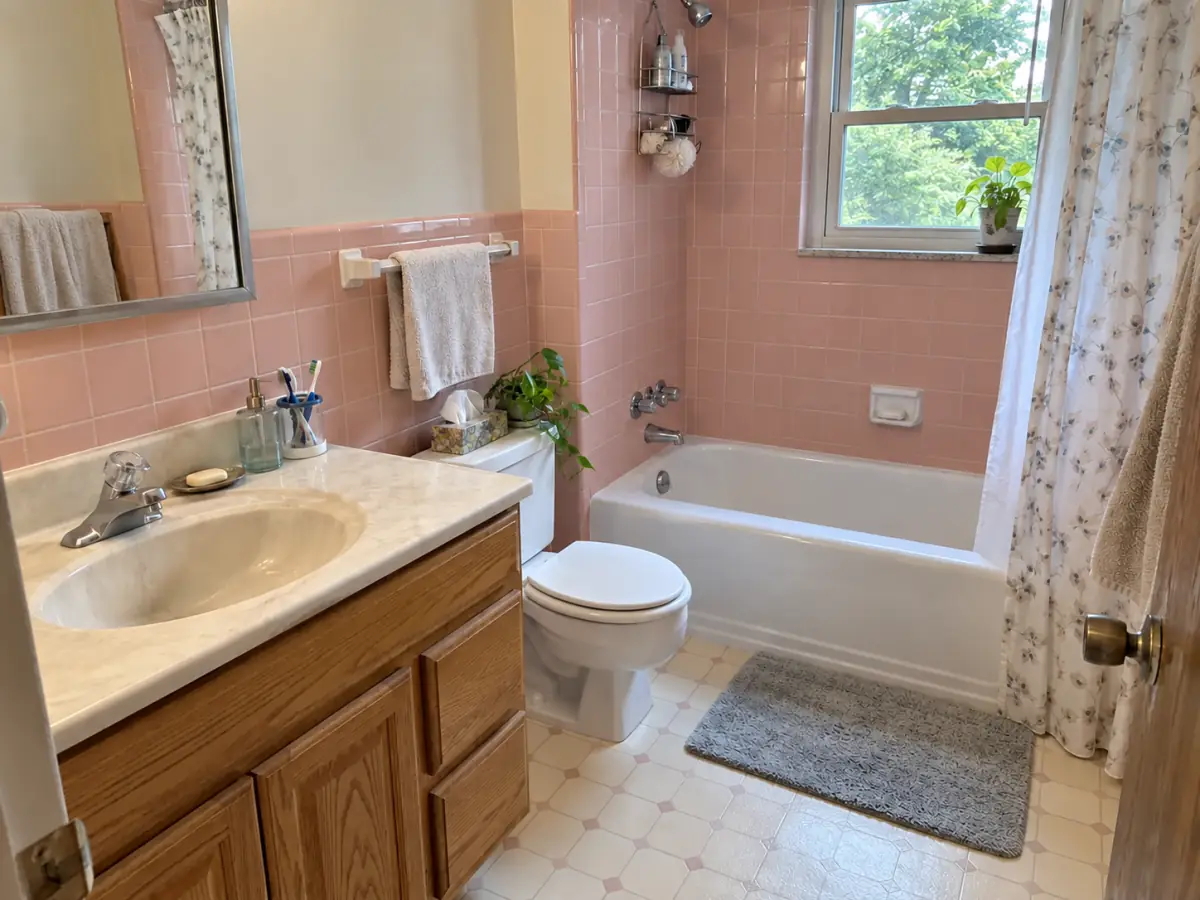
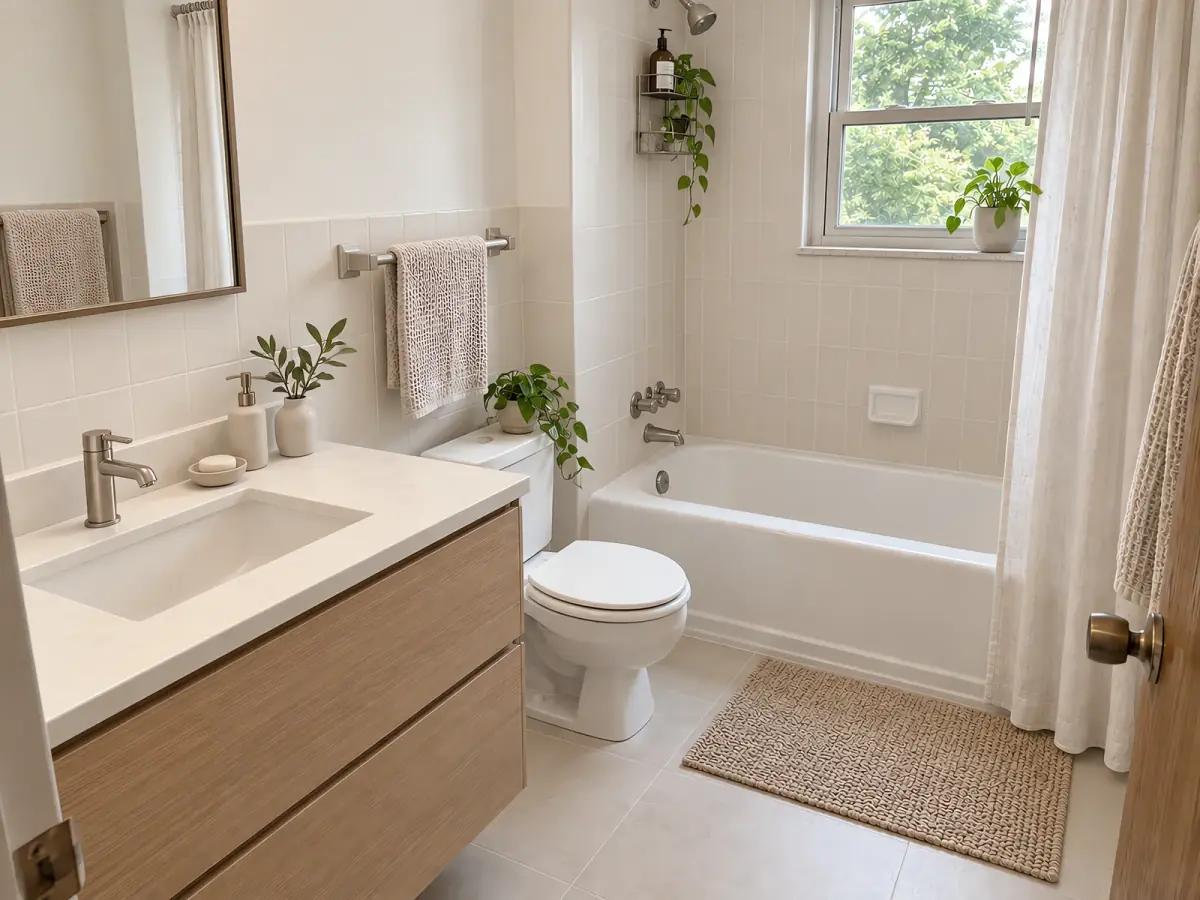
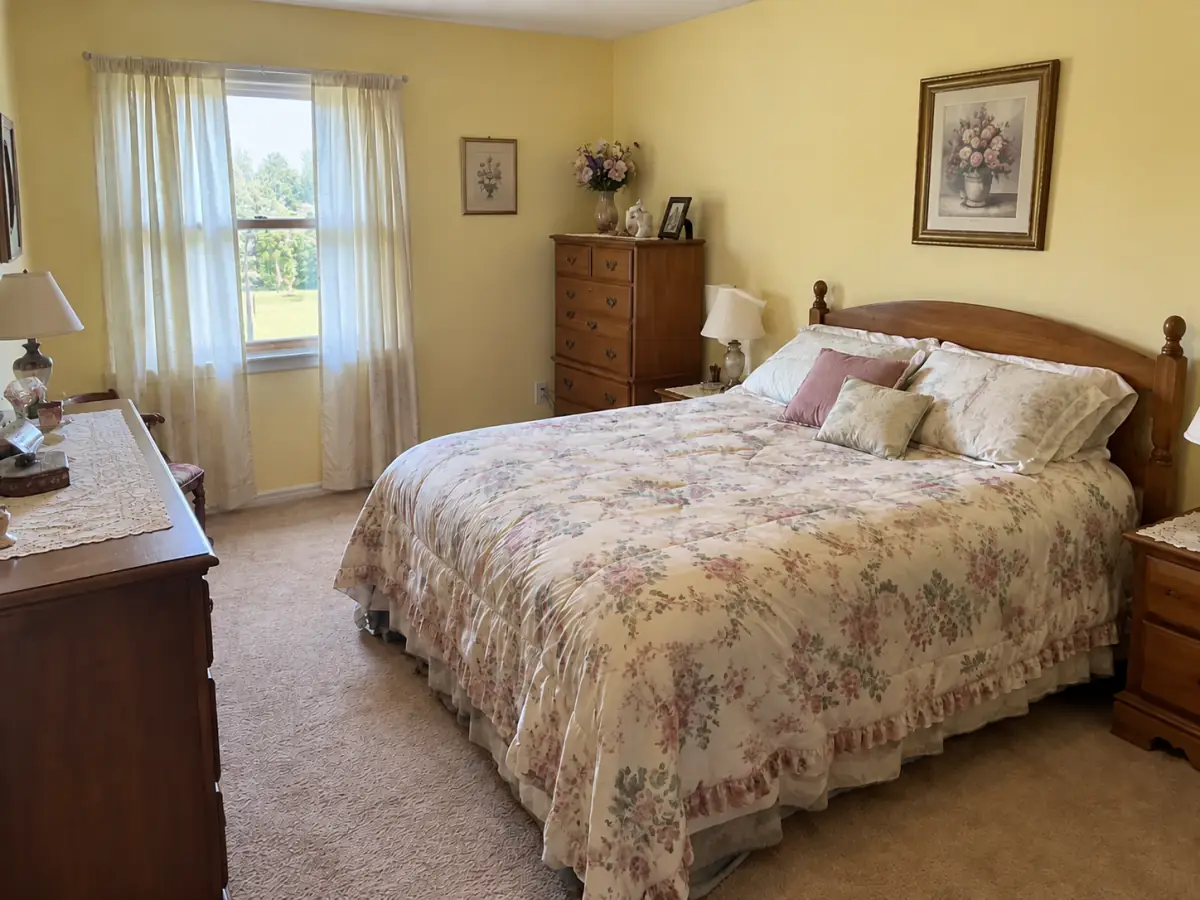
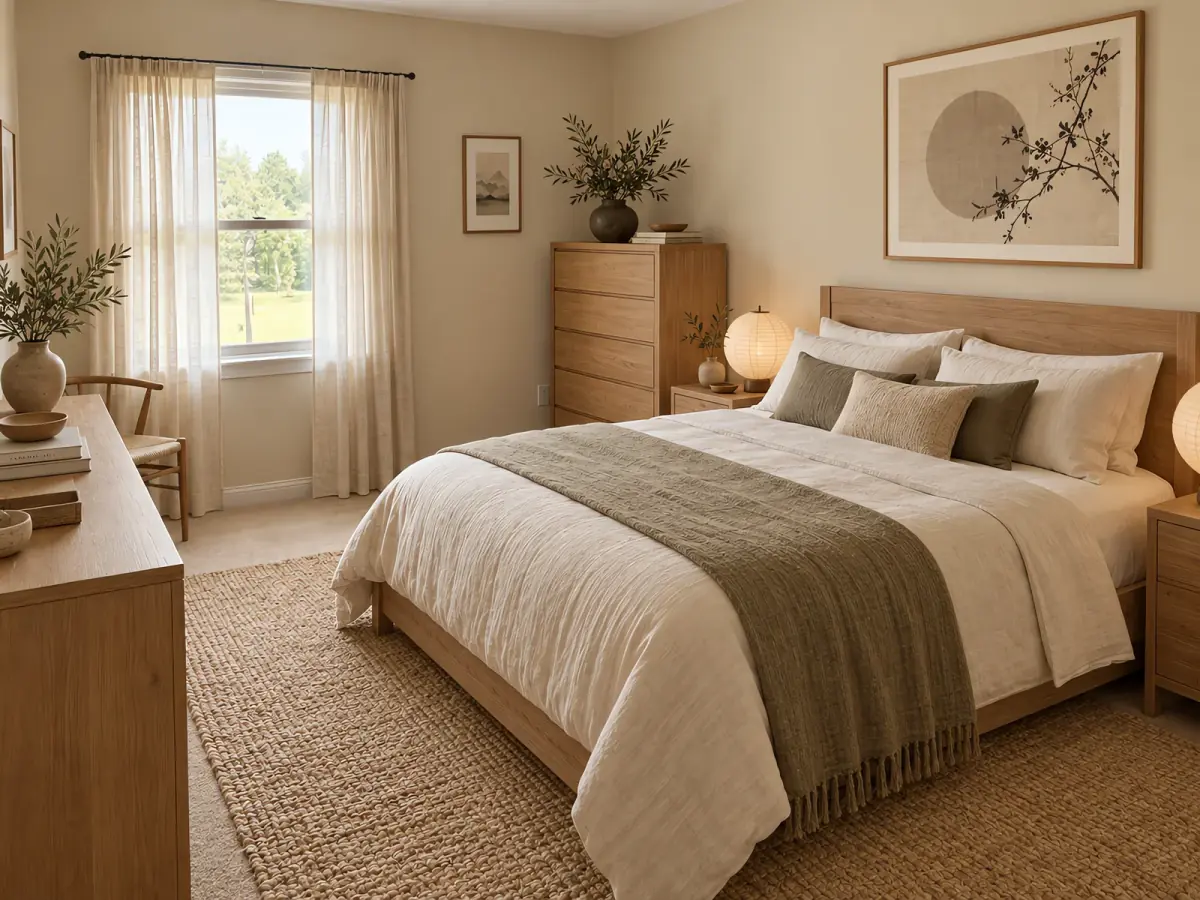
Want this for your own room? Upload a photo — free, no login. Upload a photo
AI room design for every room
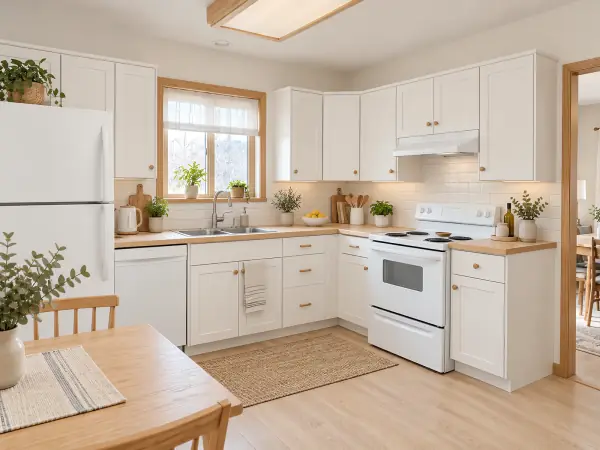
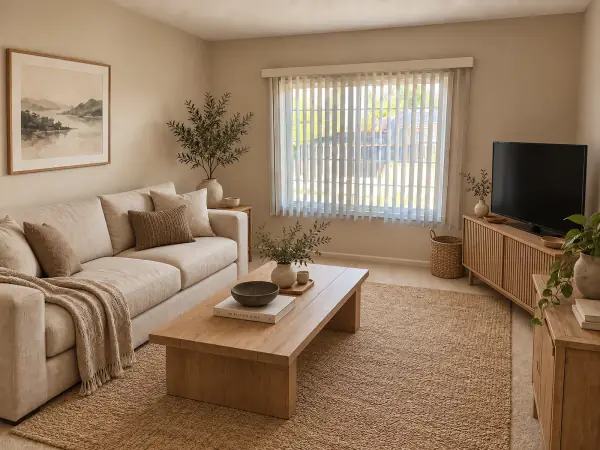
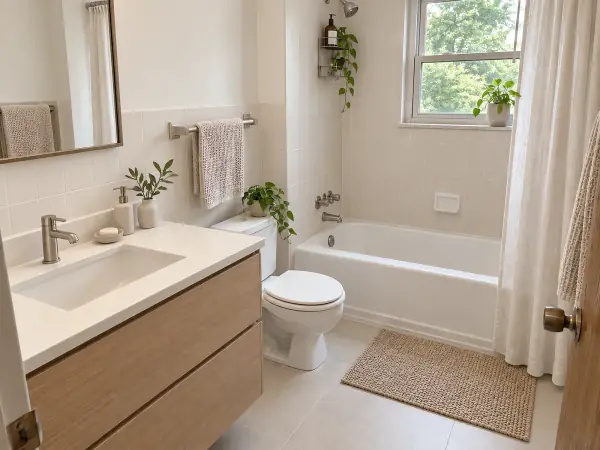
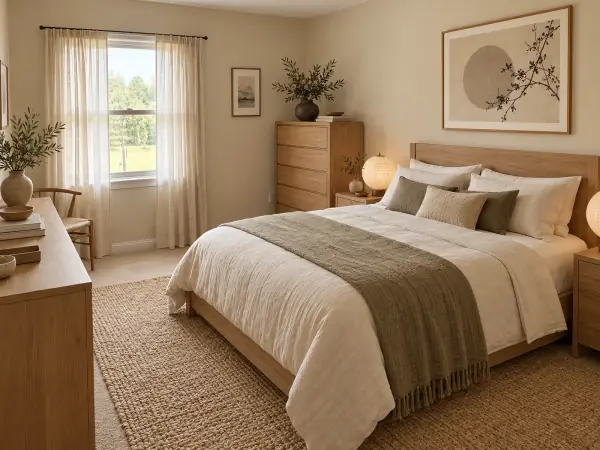
How it works
- Upload a photo of your room Any phone photo. We read the room type for you.
- Pick a style Three picks for your room, or any of six styles.
- Download your design Compare before and after, then save or share it.
AI room design, free and without login
Nestari is a free AI room design tool: upload one photo of a room as it is today and get a redesigned version back while you wait. There is nothing to install and nothing to sign up for. Your first two designs are free without an account, and the before-and-after slider shows you exactly what changed.
Most people don't know which style suits a room until they see it. So instead of a long form, Nestari looks at your photo, works out whether it is a kitchen, a bedroom, a living room or a bathroom, and suggests three styles that tend to work for that kind of room, each with a one-line reason. Pick two and both designs render side by side, so you can compare directions in a single pass.
The AI room design generator keeps what you can't easily change — walls, windows, doors and the camera angle — and redesigns what you can: furniture, wall color, flooring, lighting, textiles and decor. If you like a result but not every part of it, change just the walls, just the floor or just the furniture, or try another style on the same photo.
Modern, minimalist, Scandinavian, industrial, Japandi and bohemian are all available. Each design is a visual reference, not a construction drawing: use it to settle on a color, compare two directions with your partner, show a contractor what you mean, or decide whether a sofa is worth replacing before you spend anything.
AI room design free, without login, is the whole point of Nestari. You can start from any phone photo, see your room redesigned, and leave with a before-and-after image to save or share. If you want to keep going, signing in with Google adds three more free designs, and credit packs start at $4.99 for 25 designs.
Styles: Modern · Minimalist · Scandinavian · Industrial · Japandi · Bohemian
Frequently asked questions
Is Nestari free to use?
Yes. You can redesign your room for free without creating an account. Your first two designs are free, and signing in with Google adds three more — no credit card needed.
Do I need to create an account?
No. Upload a photo and get your design without signing up or logging in. An account is only needed if you want more free designs or to buy credits.
Can I redesign just my bedroom?
Yes. Upload a photo of any single room. Nestari detects the room type and suggests styles for it — see AI bedroom design for bedroom ideas.
How long does it take to get a design?
The time varies with your photo and the image provider. Two designs render at the same time, and you can compare each result as it finishes.
Do I own the images, and can I use them commercially?
You keep the rights to the photos you upload, and you may use the designs you create for personal and commercial purposes, such as sharing them with a contractor or in a listing. Free designs carry a small nestari.io mark; after any purchase, new designs download without it.