
AI Bedroom Design
See your bedroom redesigned from a photo
Free No sign-up No credit card
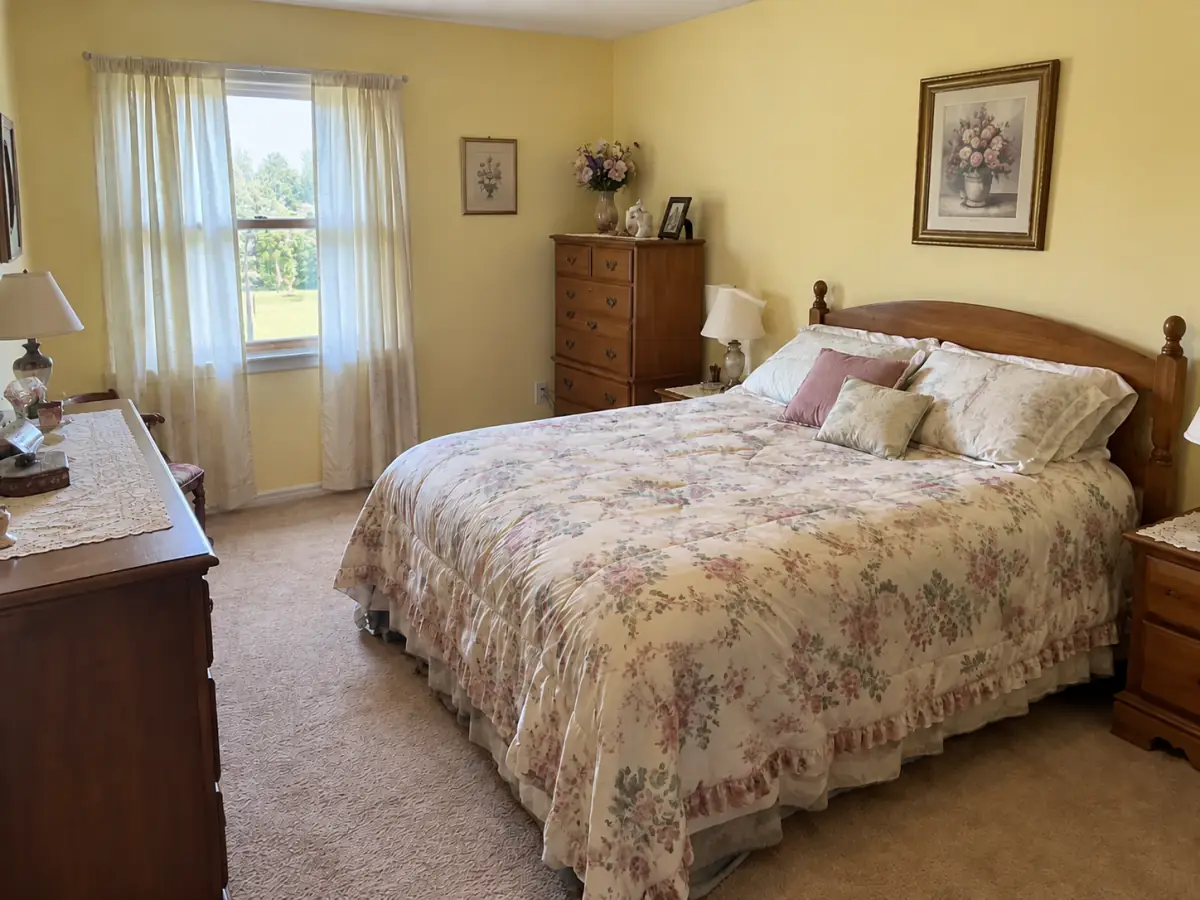
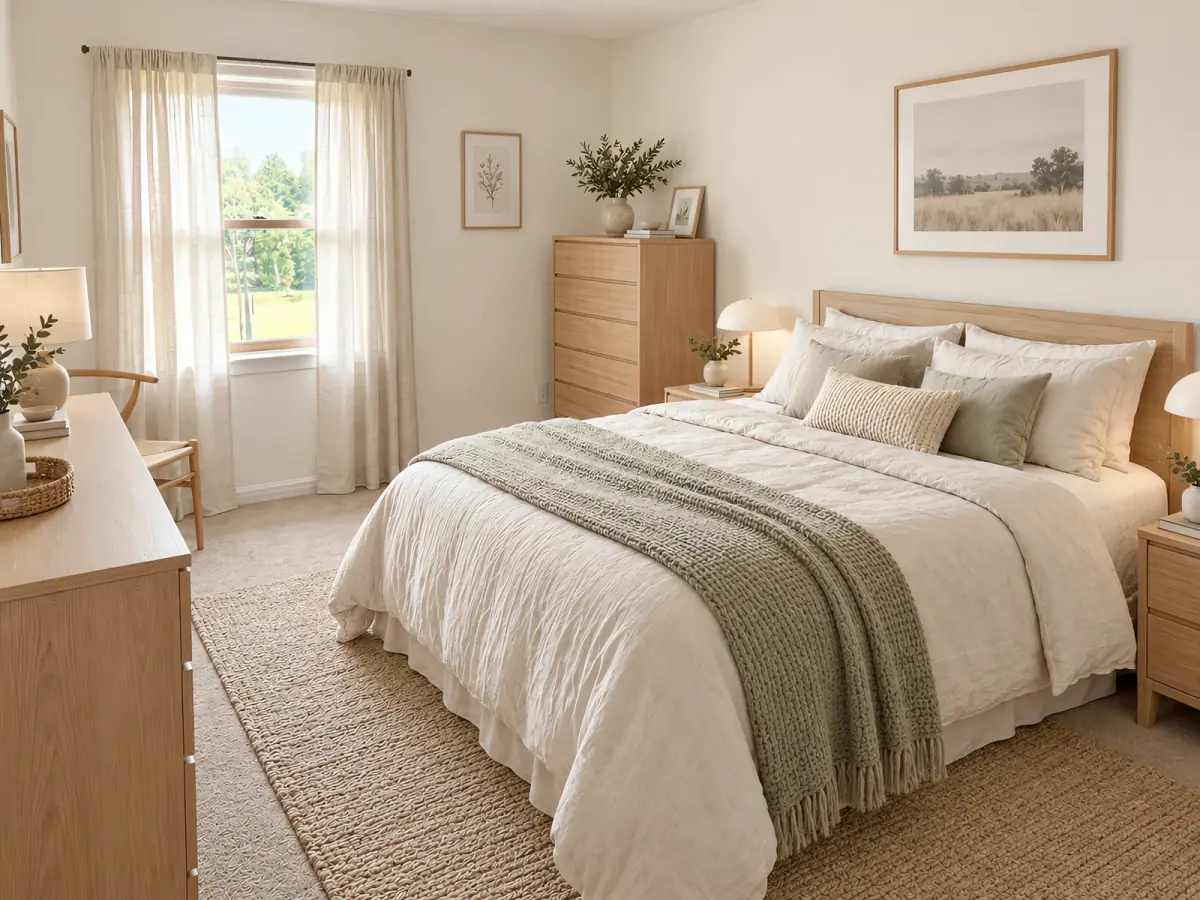
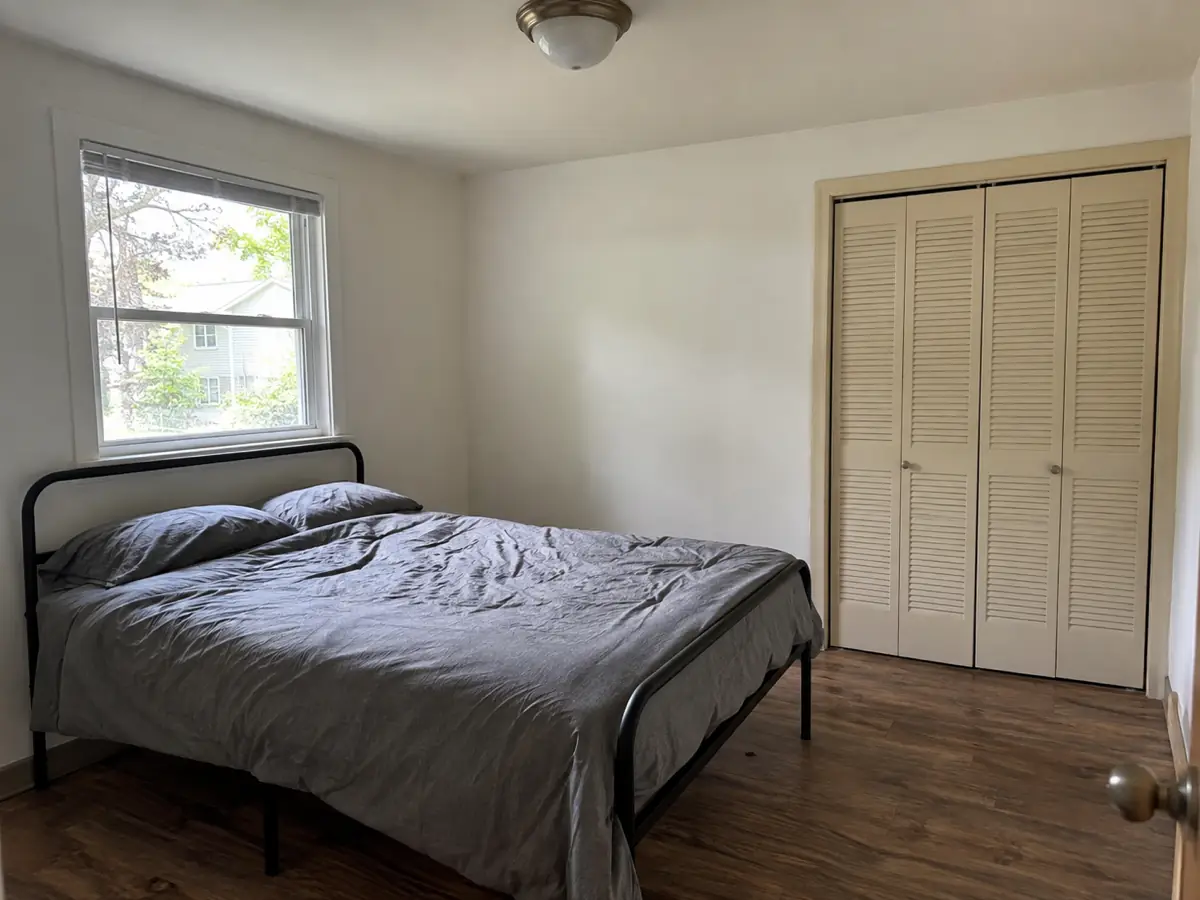
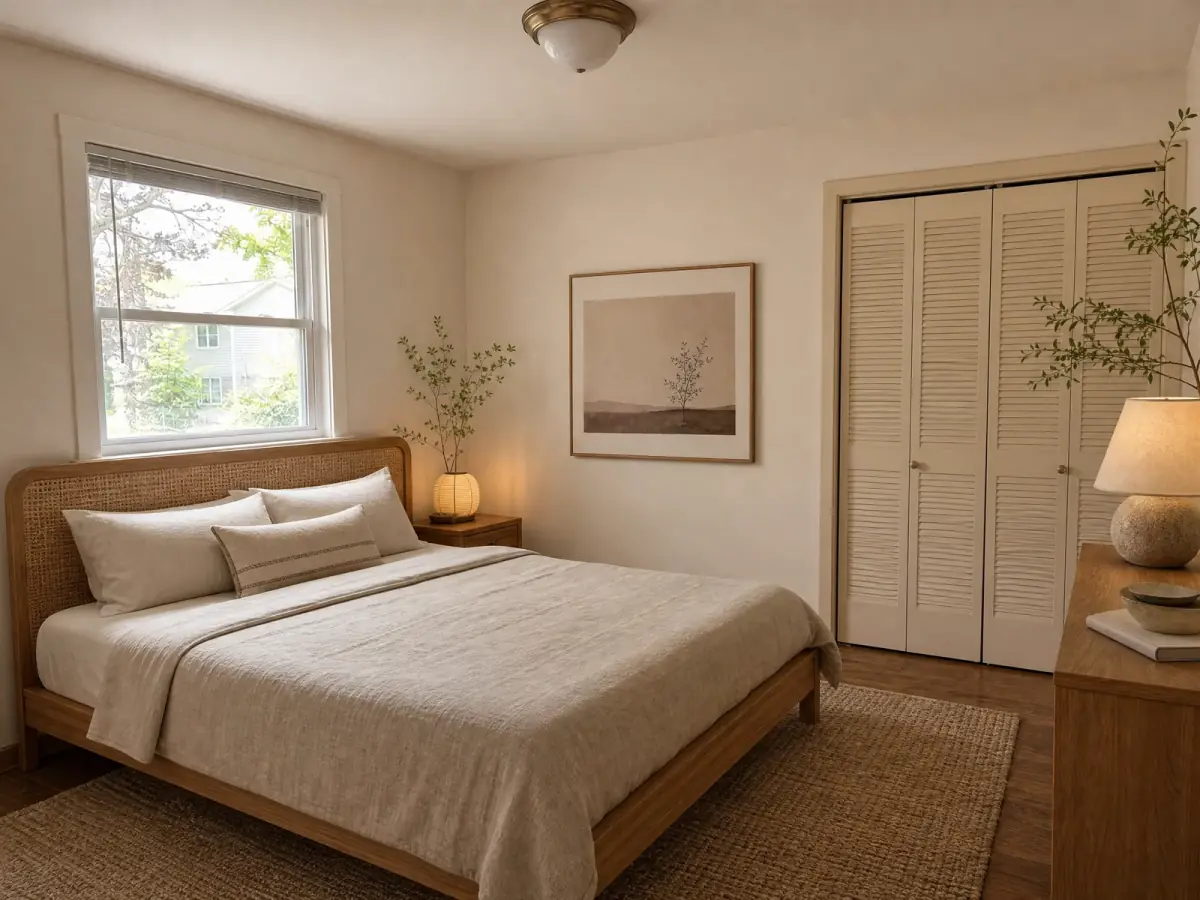
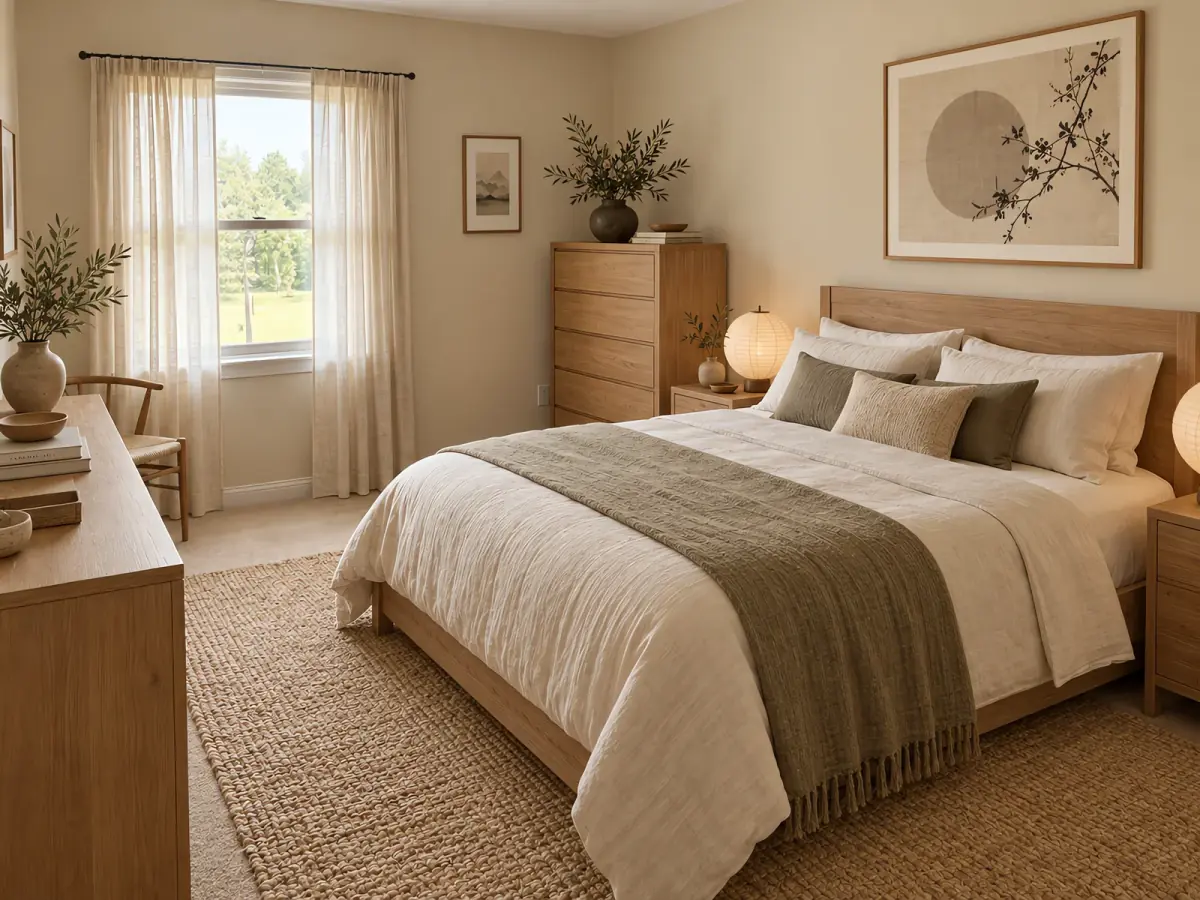 Before After · Japandi
 AI bedroom design shows you what your bedroom could look like from one photo. Upload the room as it is now — phone photo is fine — and Nestari generates a redesigned version while you wait. Try several styles, compare them, and download the one you want. No designer, no software, no sign-up.
What you can change in your bedroom
The AI changes the parts that make a bedroom feel finished: the bed and headboard, wardrobe and closet fronts, wall color, curtains and textiles, lighting, rugs, storage and flooring. You can keep your layout and furniture and change only the palette and styling, or see how a different arrangement would work in the same footprint.
Bedroom styles you can try
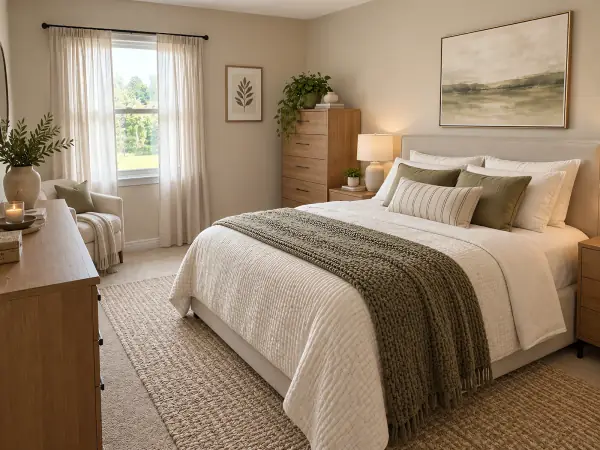
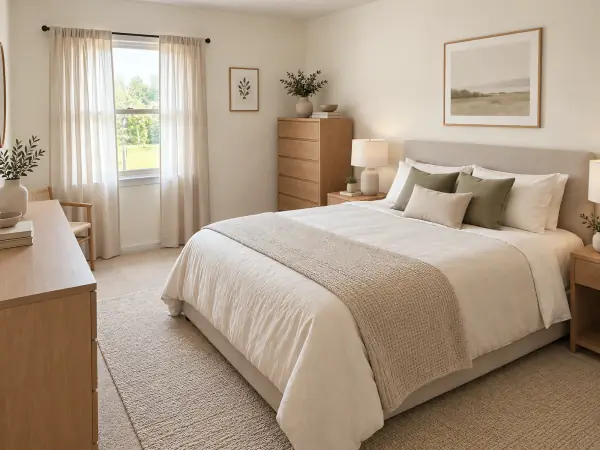
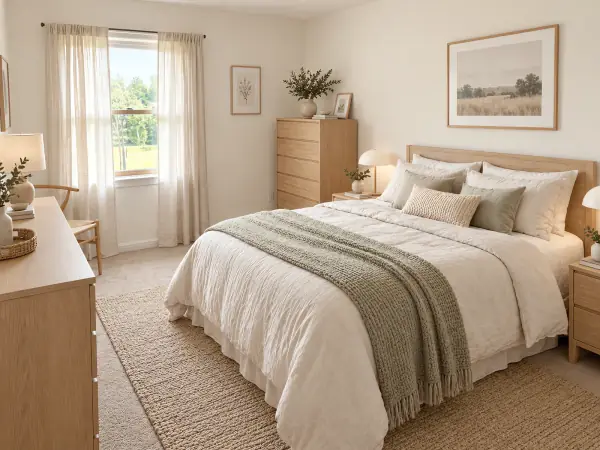
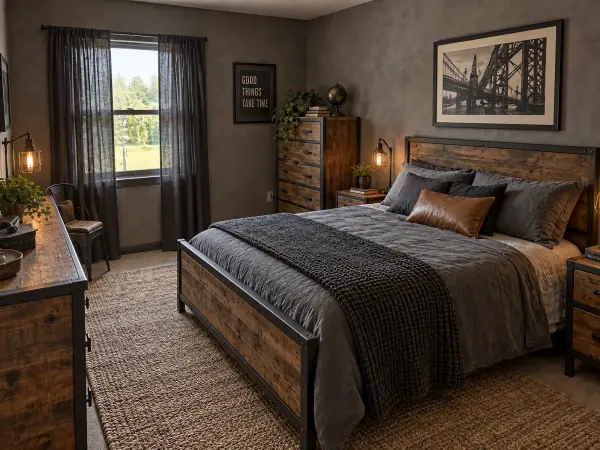
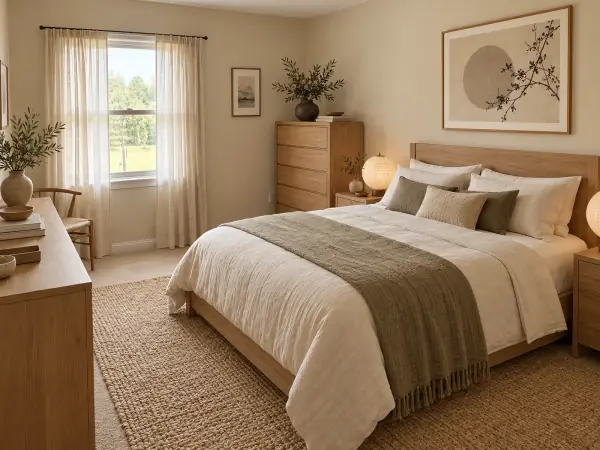
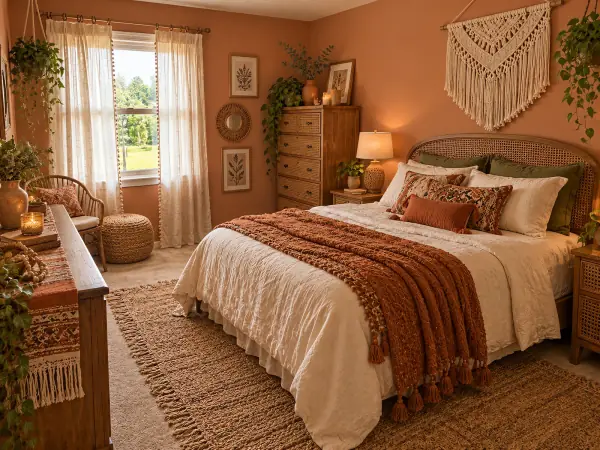
See it before and after
AI-generated room examples, redesigned from a single reference image. Drag the handle to compare.
Want this for your own room? Upload a photo — free, no login. Upload a photo
How it works
- Upload a photo of your bedroom Any phone photo. We read the room type for you.
- Pick a style Three picks for your room, or any of six styles.
- Download your design Compare before and after, then save or share it.
Start with a style. Modern, minimalist, Scandinavian, industrial, Japandi and bohemian are all available. Three steps: upload a photo of your bedroom, pick a style, download your design. Every result comes with a before-and-after comparison you can save and share.
Bedrooms are the room people most often want to change and least often know where to start — the bed dominates the space and one wrong choice colors everything else. Users come here before painting or buying furniture, before moving into a new place, and before listing a home for sale. Seeing one clear picture is usually enough to decide.
Frequently asked questions
Is the AI bedroom design tool free?
Yes. Your first bedroom design is free, and no credit card is required.
Do I need to sign up or log in?
No. Upload a photo and get your design without creating an account.
Can I change the bed, wardrobe and wall color while keeping the layout?
Yes. Layout and furniture can stay as they are; the AI changes finishes, colors and styling around them.
What bedroom styles are available?
Modern, minimalist, Scandinavian, industrial, Japandi and bohemian. Choose up to two styles to compare, and use the wall, floor or furniture controls to refine a result.
Can I use the design if I am redecorating or moving?
Yes. Use it to test colors and furniture directions before you buy, and as a visual reference when you move in.
Try the main tool for any room: AI room design