
AI Living Room Design
See your living room redesigned from a photo
Free No sign-up No credit card
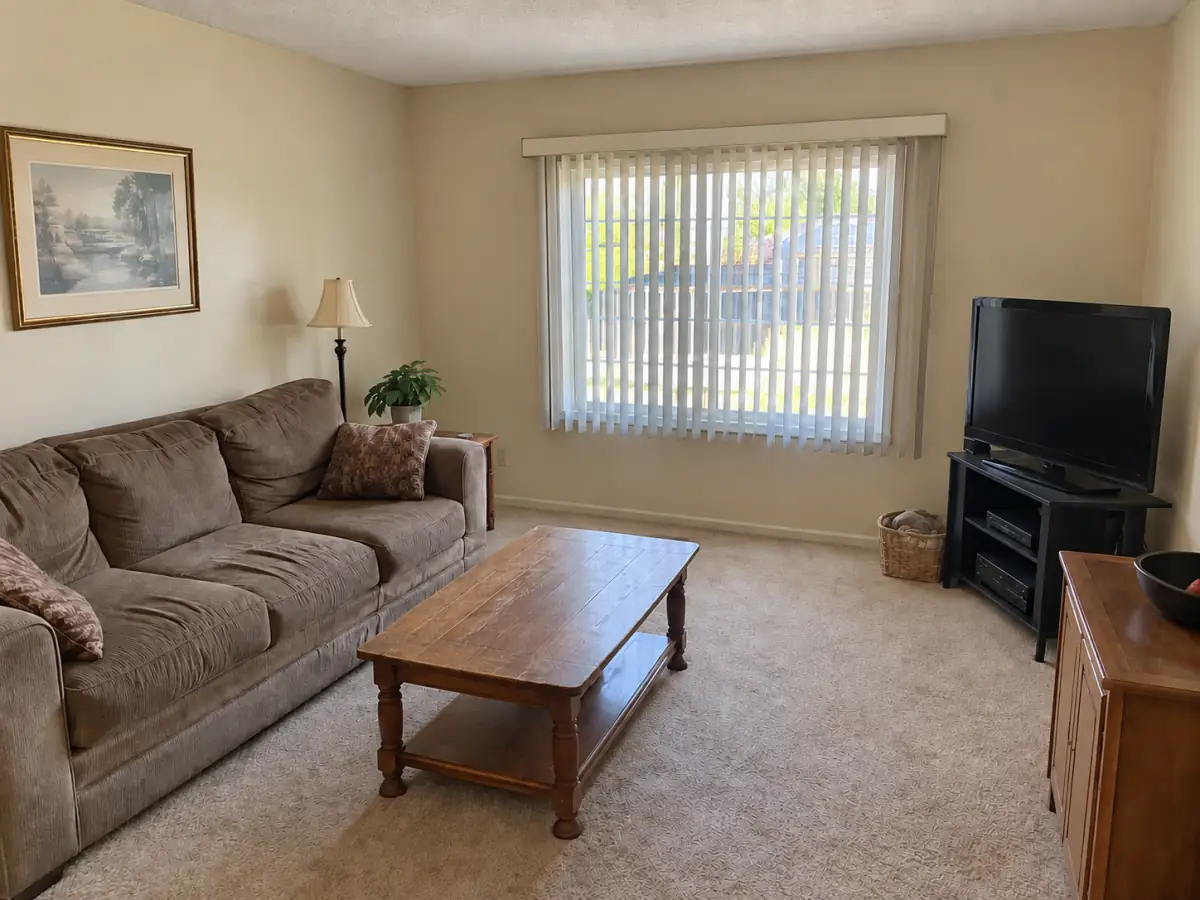
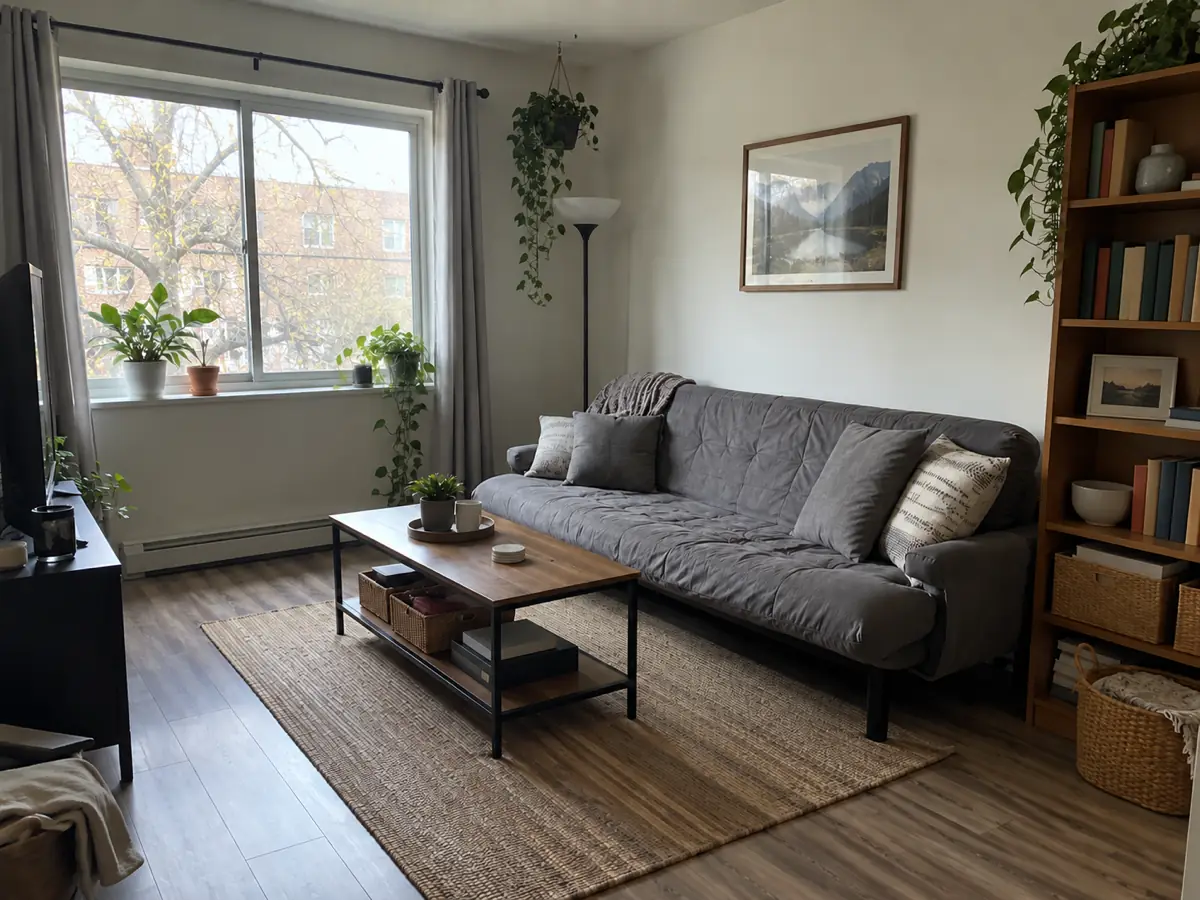
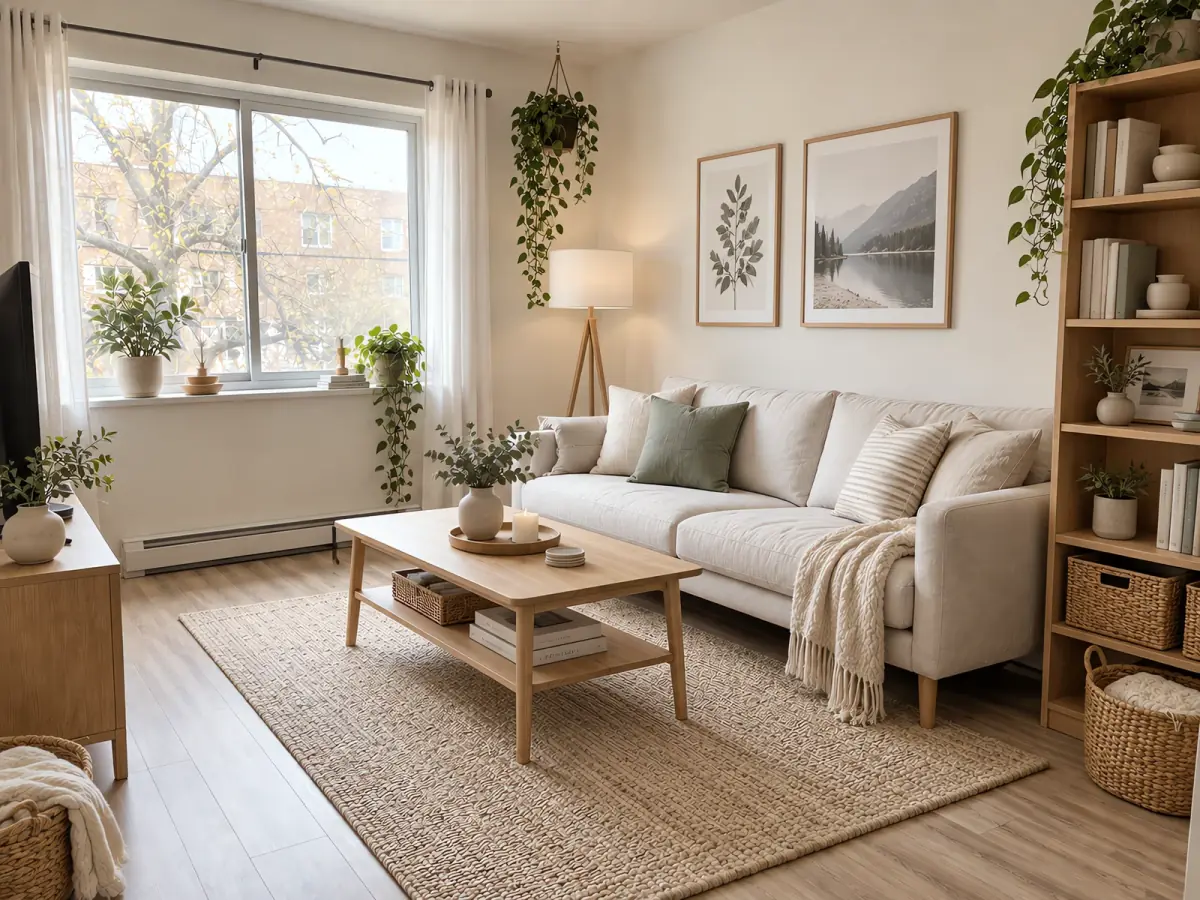
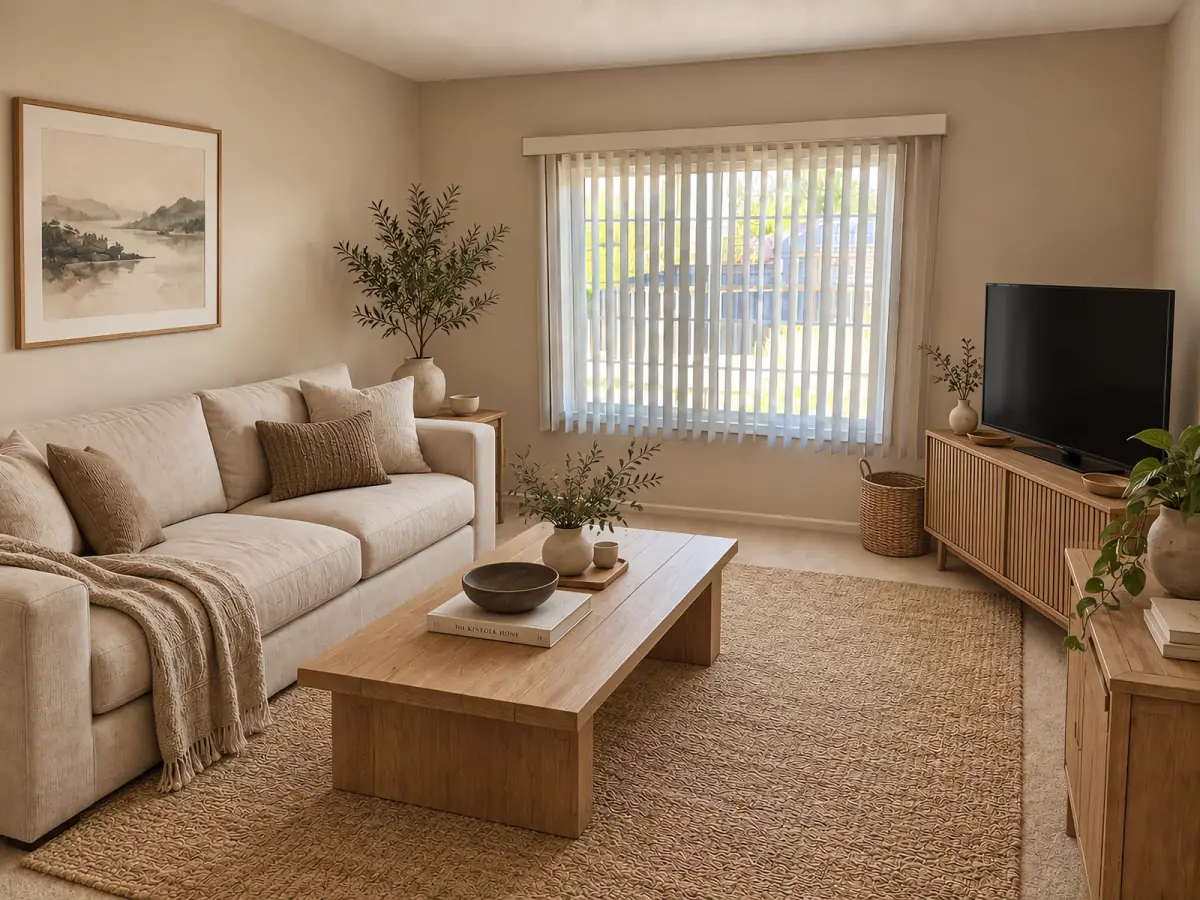 Before After · Japandi
 AI living room design lets you see what your living room could become before you buy anything. Upload one photo of the room as it is now, and Nestari generates a redesigned version while you wait. Try a few styles, compare them side by side, and keep the ones you like — no designer, no software, no account.
What you can change in your living room
The AI changes the elements that define how a living room feels: the sofa and other seating, coffee table, TV wall or media unit, wall color and finishes, curtains, rugs, lighting, shelving and plants. You can keep your existing sofa and layout and change only the styling around it, or ask for a completely different arrangement to see whether the room could work better another way.
Living Room styles you can try
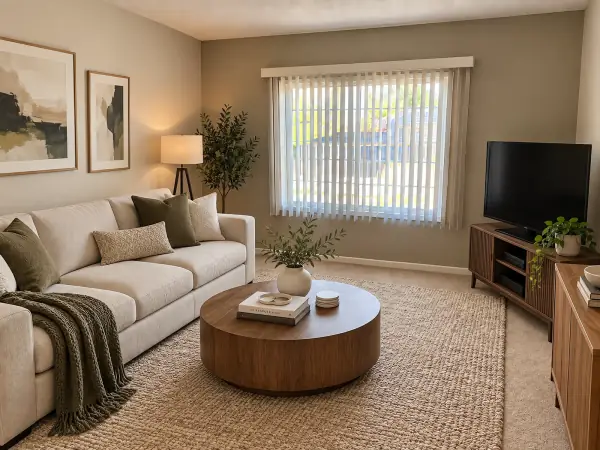
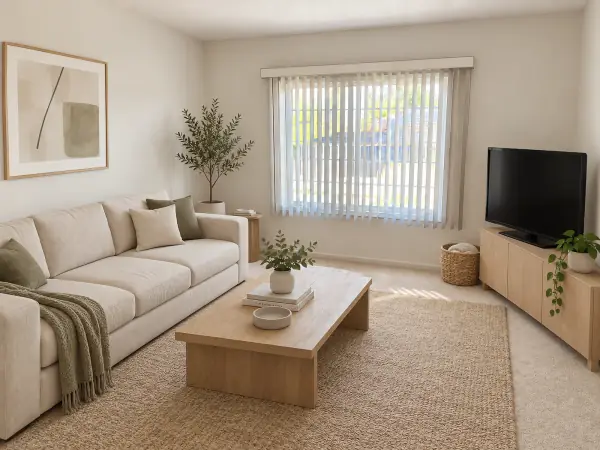
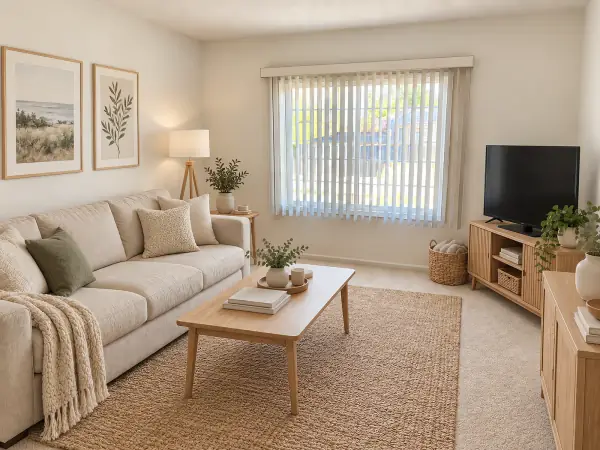
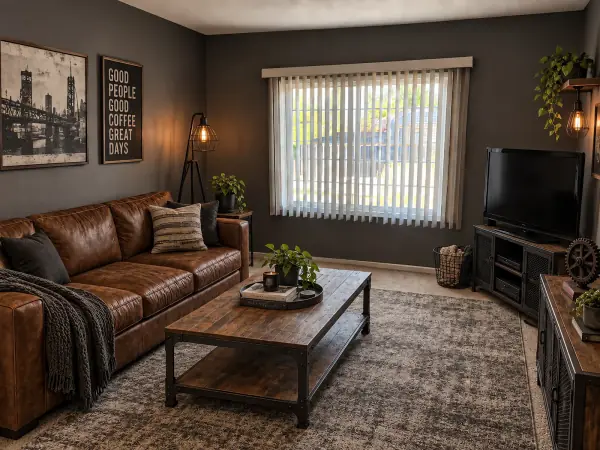
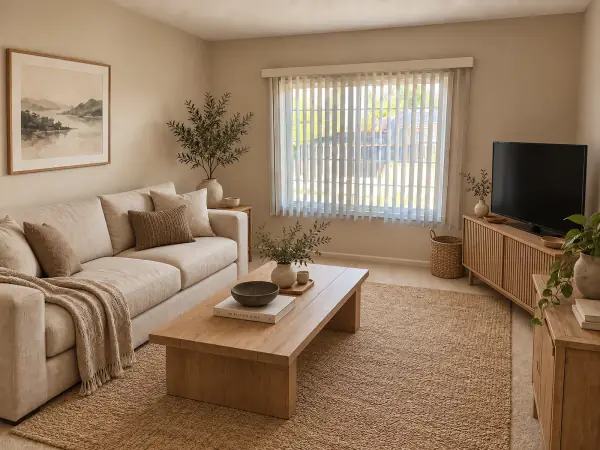
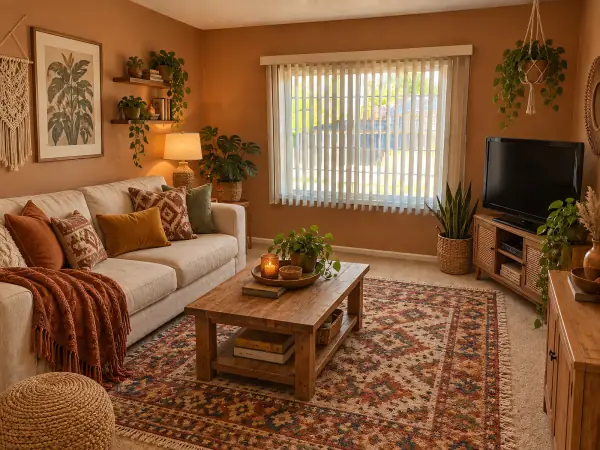
See it before and after
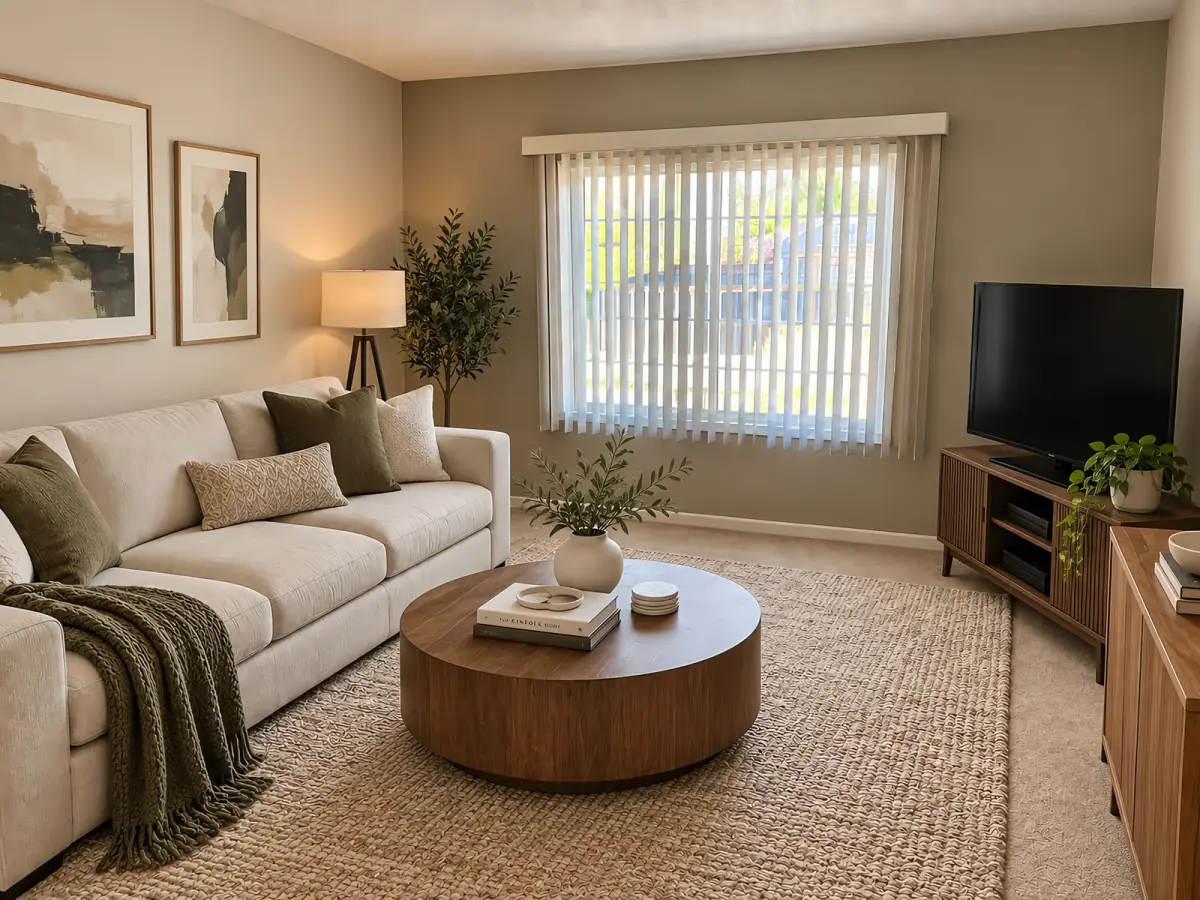
AI-generated room examples, redesigned from a single reference image. Drag the handle to compare.
Want this for your own room? Upload a photo — free, no login. Upload a photo
How it works
- Upload a photo of your living room Any phone photo. We read the room type for you.
- Pick a style Three picks for your room, or any of six styles.
- Download your design Compare before and after, then save or share it.
Start with a style. Modern, minimalist, Scandinavian, industrial, Japandi and bohemian are all available. Three steps: upload a photo of your living room, pick a style, download your design. Every result comes with a before-and-after comparison you can save and share — useful when the decision is not yours alone.
Living rooms are the rooms people hesitate about most, because everything in them is visible and everything is a choice. Some users are redecorating and want to test a palette before buying paint or a sofa. Some have just moved in and need a direction for an empty room. Some are renting and want to know whether rearranging what they already own is enough. Seeing it first turns a long argument into a short decision.
Frequently asked questions
Is the AI living room design tool free?
Yes. Your first living room design is free, and no credit card is required.
Do I need to sign up or log in?
No. Upload a photo and get your design without creating an account.
Can I keep my sofa and only change the rest of the room?
Yes. You can keep the furniture you already own and change the styling around it — wall color, curtains, rug, lighting and layout.
What living room styles are available?
Modern, minimalist, Scandinavian, industrial, Japandi and bohemian. Choose up to two styles to compare, and use the wall, floor or furniture controls to refine a result.
Can I use the design if I am redecorating or buying furniture?
Yes. Use it to test colors and layouts before you buy, and to compare options with the people you live with.
Try the main tool for any room: AI room design