
AI Kitchen Design
See your kitchen redesigned from a photo
Free No sign-up No credit card
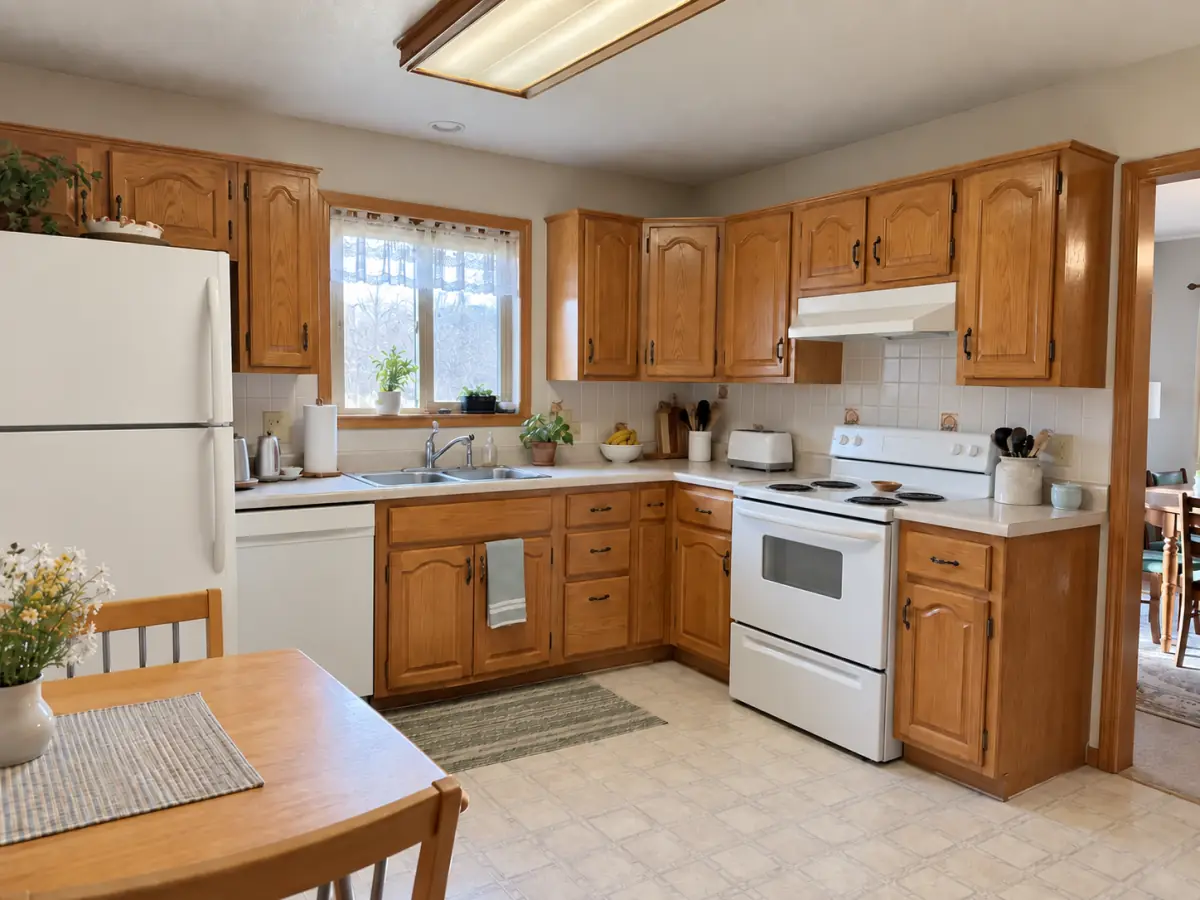
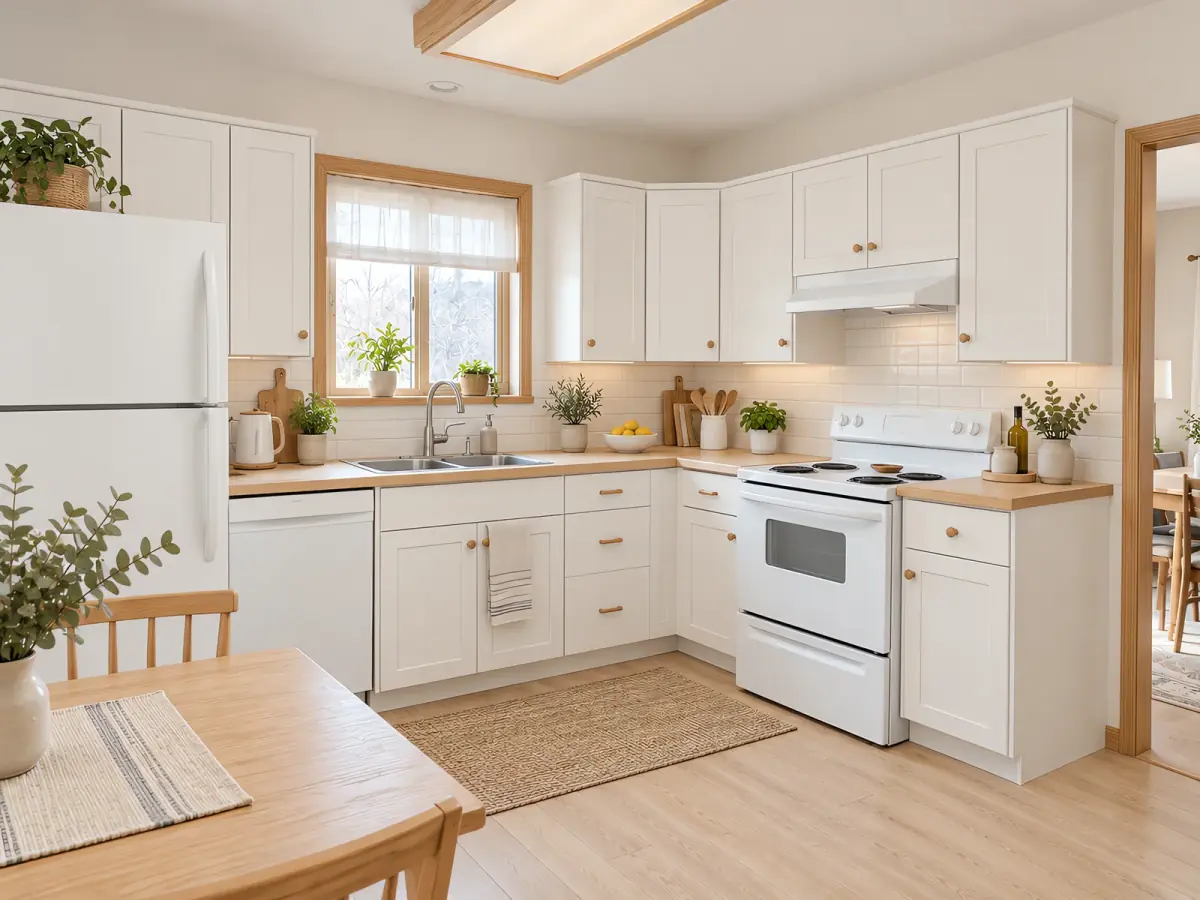 Before After · Scandinavian
 AI kitchen design helps you see what your kitchen could look like before you commit to anything. Upload one photo of your current kitchen — taken on a phone is fine — and Nestari generates a redesigned version. Compare two styles side by side with your first two free designs, without hiring a designer, downloading software, or creating an account.
What you can change in your kitchen
The AI works on the elements that decide how a kitchen feels: cabinet fronts and finishes, countertops, backsplash, wall color, flooring, lighting, and the overall color palette. You can keep your existing layout and just change the look, or ask for a different arrangement of the same appliances. If you are planning a renovation, this is the cheapest way to test a direction before you spend money on materials — see a warm wood-and-white scheme next to a matte black one, and judge which one actually fits the room.
Kitchen styles you can try
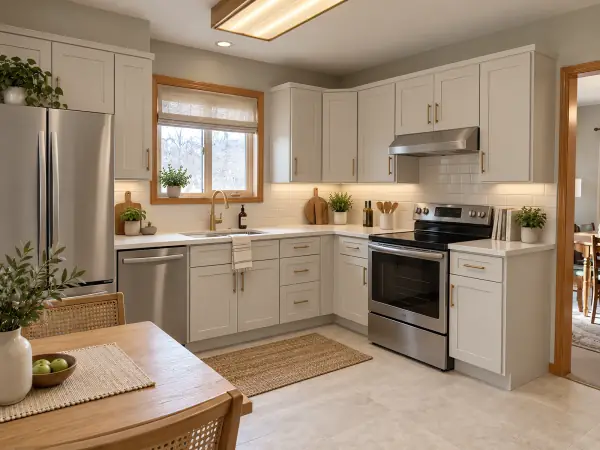
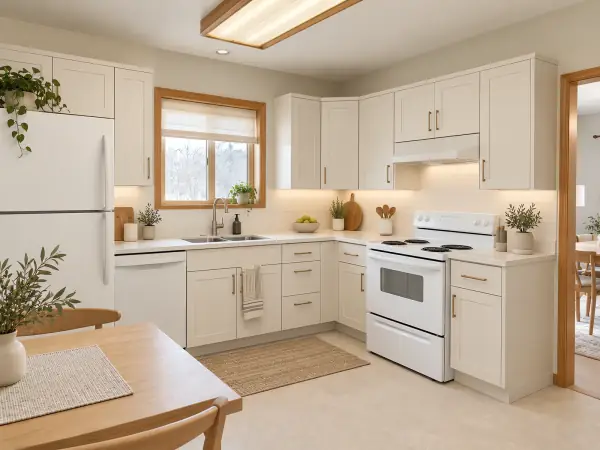
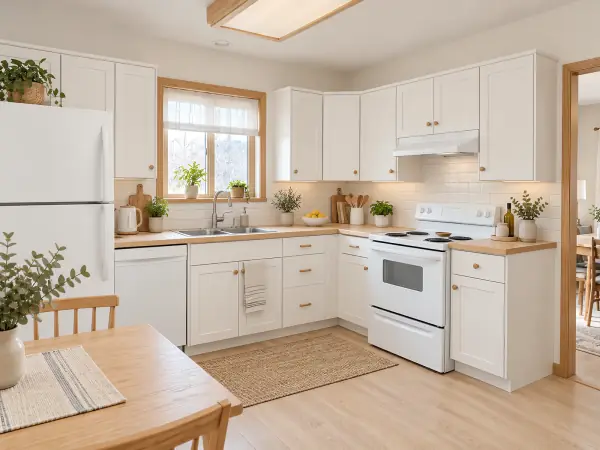
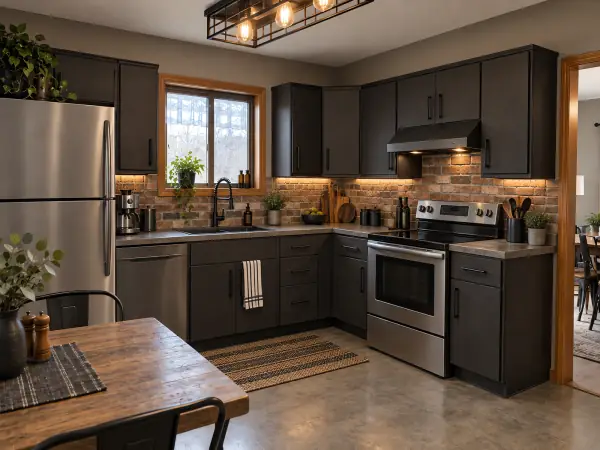
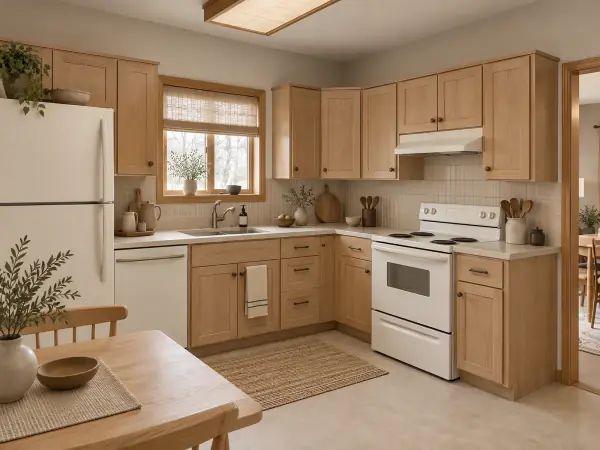
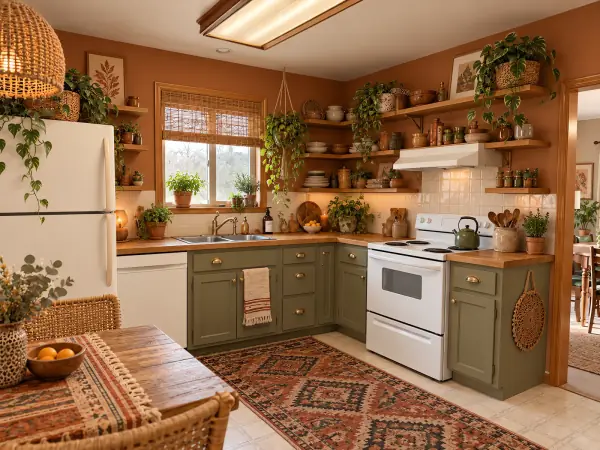
See it before and after
AI-generated room examples, redesigned from a single reference image. Drag the handle to compare.
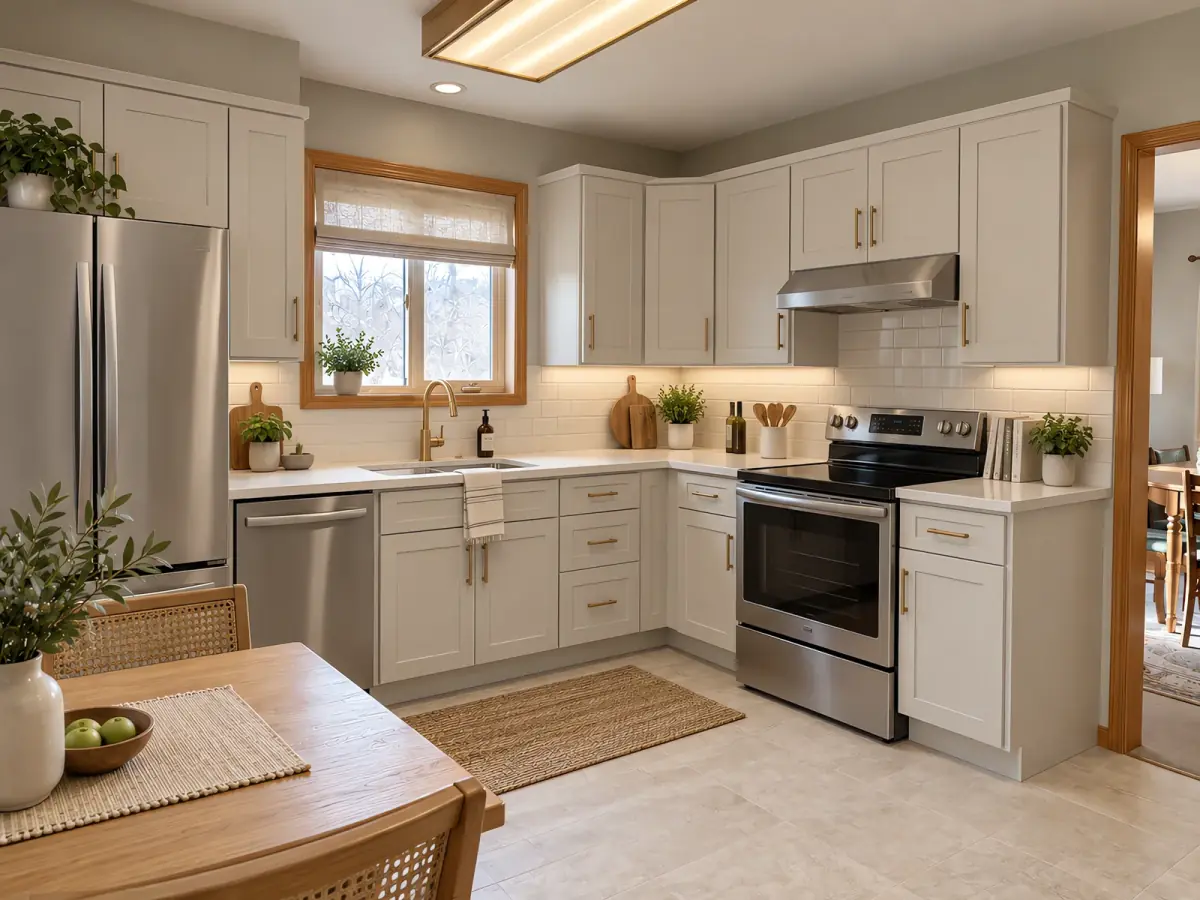
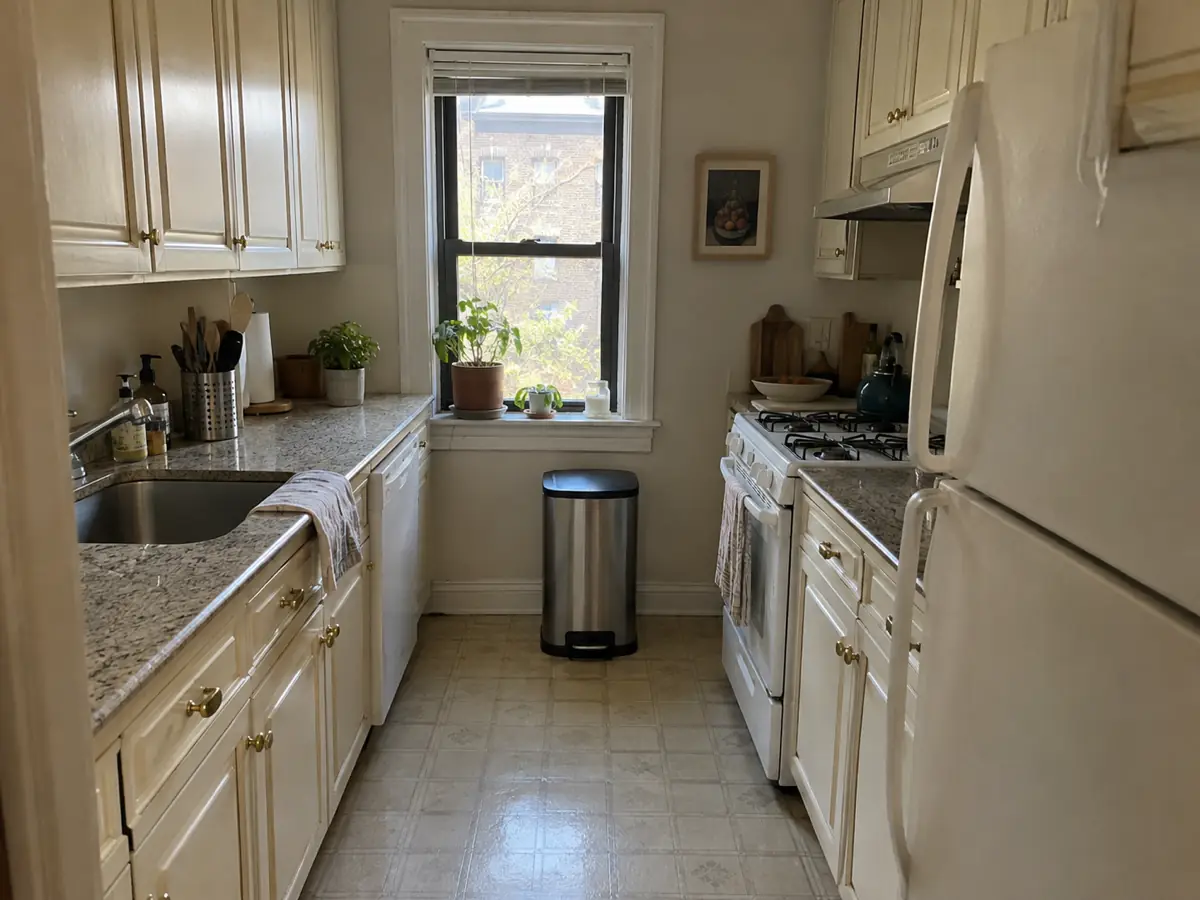
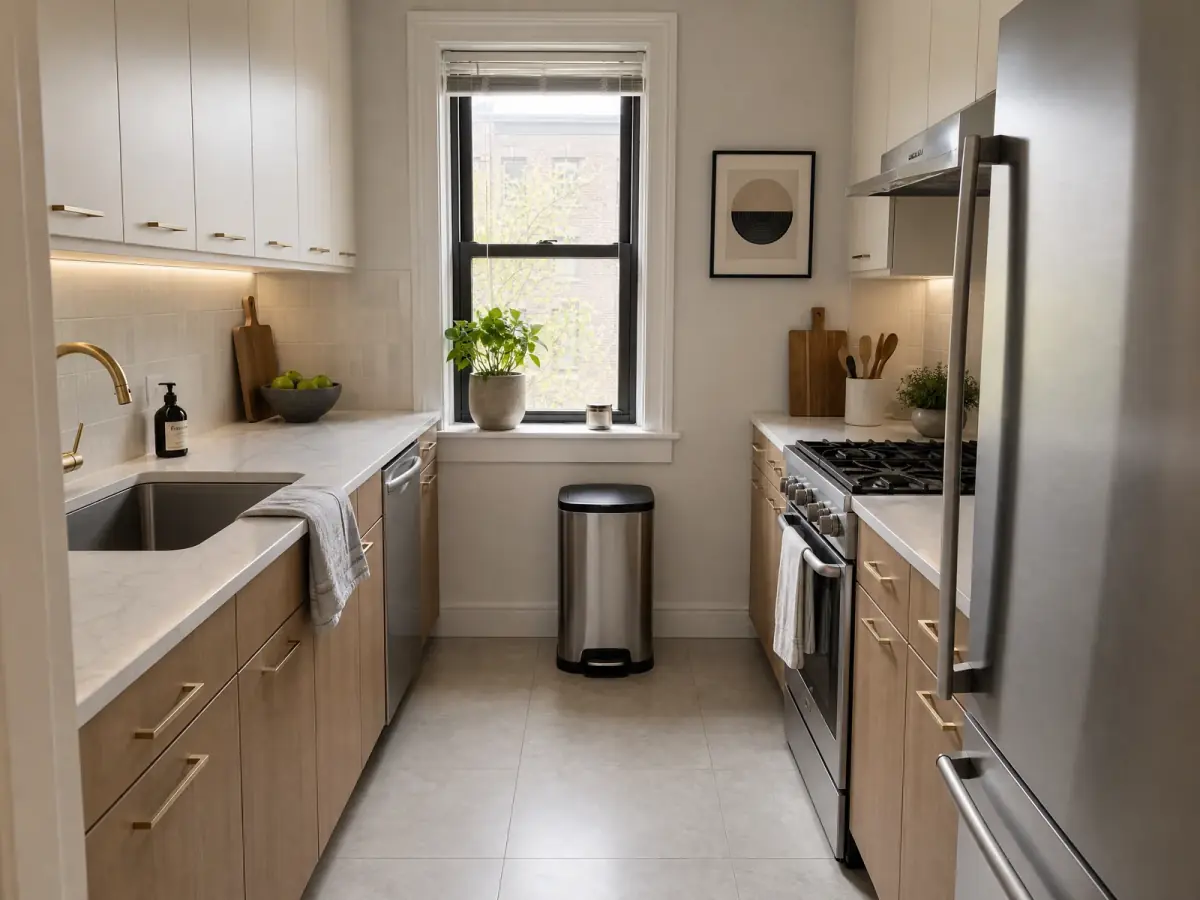
Want this for your own room? Upload a photo — free, no login. Upload a photo
How it works
- Upload a photo of your kitchen Any phone photo. We read the room type for you.
- Pick a style Three picks for your room, or any of six styles.
- Download your design Compare before and after, then save or share it.
Start with a style. Modern, minimalist, Scandinavian, industrial, Japandi and bohemian are all available. The flow is three steps: upload a photo of your kitchen, pick a style, download your AI kitchen design. Every result comes with a before-and-after comparison you can save and share, which makes it easy to show a partner, a landlord or a contractor what you have in mind.
People use it for very different reasons. Some are planning a full renovation and want to narrow down options first. Some are renting and want to see whether a small change is worth asking about. Some are staging a home to sell, or furnishing a new apartment, and need a visual reference for what to buy. In all of these cases the goal is the same: turn a vague idea into a picture, in minutes instead of weeks.
Frequently asked questions
Is the AI kitchen design tool free?
Yes. You can upload a photo and generate your first kitchen design for free, with no credit card required.
Do I need to sign up or log in?
No. Nestari works without an account — open the page, upload your photo, and get your design.
Can I redesign just my kitchen cabinets?
Yes. Cabinet fronts, finishes and colors are among the elements the AI changes. You can also keep the layout and change only the surfaces.
What kitchen styles are available?
Modern, minimalist, Scandinavian, industrial, Japandi and bohemian. Choose up to two styles to compare, and use the wall, floor or furniture controls to refine a result.
Can I use the design if I am planning a renovation?
Yes. It is meant as a visual reference: use it to compare directions, choose materials and colors, and align with a contractor before you buy anything.
Try the main tool for any room: AI room design